

Dirty Teeth
| Previous | Home | Next |
In this example I am going to teach you how to make a dirty teeth effect, the effect will be applied on the beautiful teeth picture. Follow to make this effect.
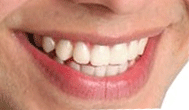
Step 1: Take a teeth a picture to modify as here.
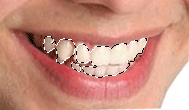
Step 2: Make selection of the teeth by the polygonal lasso tool as looking here.
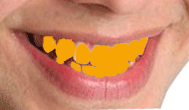
Step 3: Take a new layer and select "#d78e03" color then fill in the selection as here.
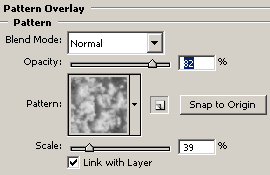
Step 4: Give pattern overlay effect, go to Layer menu -> layer style -> Pattern Overlay and select pattern as here.
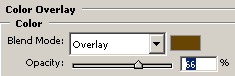
Step 5: Give color overlay effect, go to layer menu -> layer style -> color overlay and make settings.
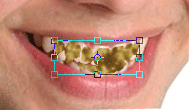
Step 6: Press Ctrl + T key and decrease size as given here.
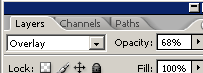
Step 7: Now change blending mode of the layer.
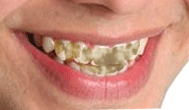
Final Picture
| Previous | Home | Next |