

Paper Cup
| Previous | Home | Next |
This example will teach you how to draw a paper cup, I have describe paper cup example by some simple steps. Follow all the steps carefully to make same as I have done here.
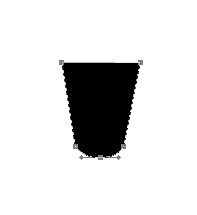
Step 1: Take a new file with any size as you like then select Pen tool (P key) and make anchor point with any color as you like.
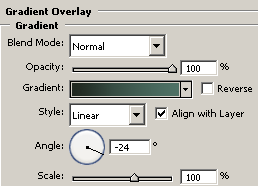
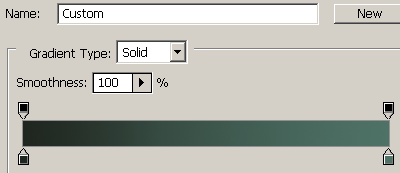
Step 2: Give gradient overlay effect, go to layer menu -> layer style -> Gradient overlay and make settings.
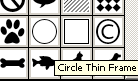
Step 3: Now select Custom shape tool (U key) and choose circle thin frame and draw on the glass.
Step 4: Use gradient effect as done up.
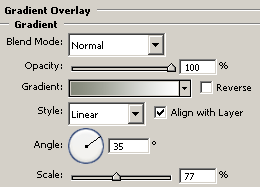
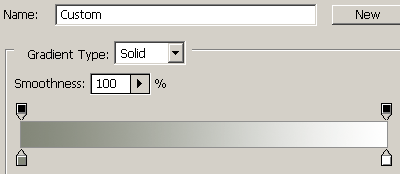
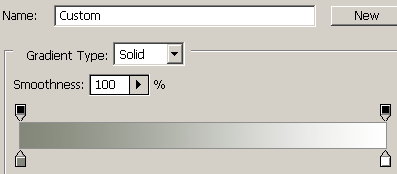
Step 5: Select ellipse tool (U key) and draw a circle with any color then give gradient effect as given below.
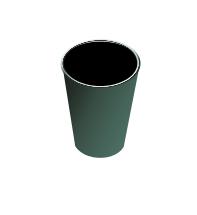
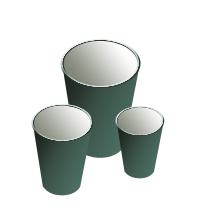
Now make more duplicate cup as here.
Final Result
| Previous | Home | Next |