

Sunlight trees
| Previous | Home | Next |
In this example I will teach you how to make sunlight effect from the tree, I have a mango tree to make this effect. Follow this example to make same effect yourself.
Step 1: Take a tree picture to make this effect, I have a mango tree to modify.
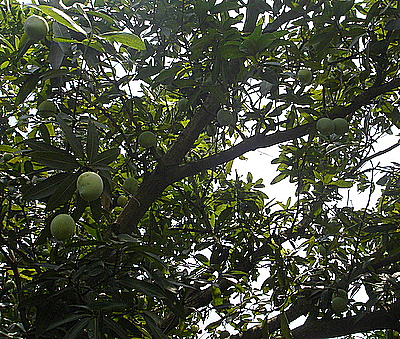
Step 2: Go to Select menu -> Color range and select white color to make selection as I have done here.
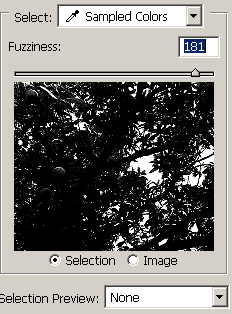
The selected picture will be same.
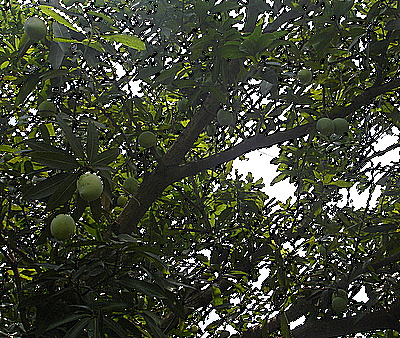
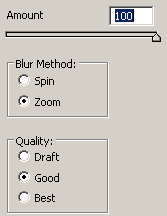
Step 3: Now give Radial blur effect, go to Filter menu -> Blur -> Radial blur and select option as here.
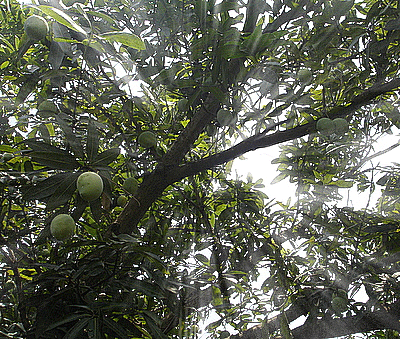
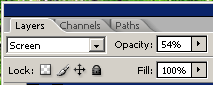
Step 4: Now change blending mode of the picture as here.
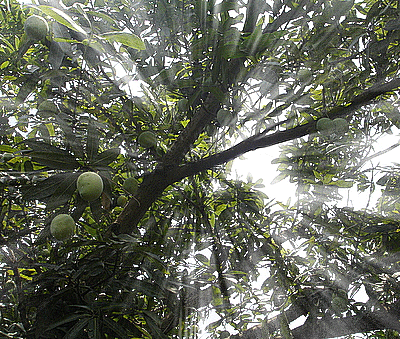
Final Picture
| Previous | Home | Next |